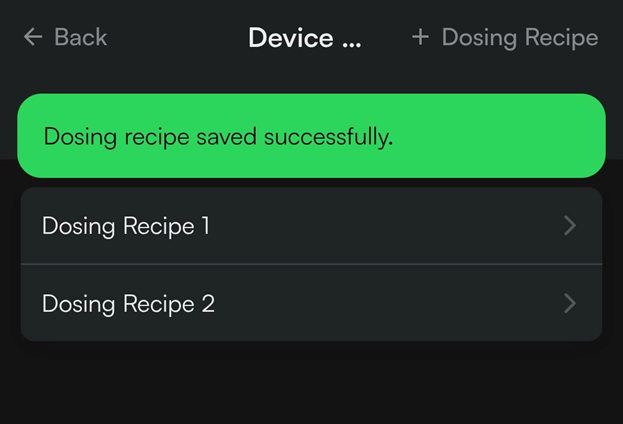
If one has a Growlink Fertigation skid or Nutrient Delivery Solution (also known as a CFS or NDK), one also has the ability to create and manage your Dosing Recipes from within Hardwar menu in the Mobile App.
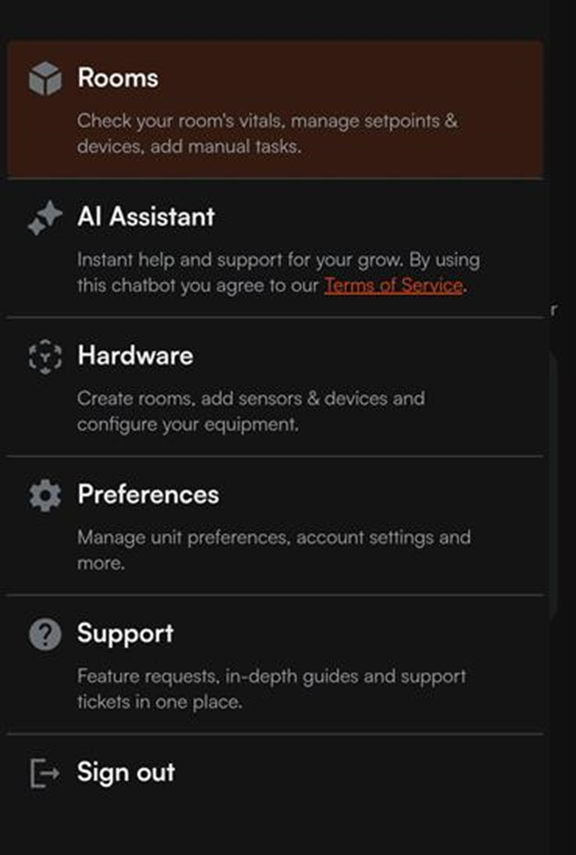
1) Start by tapping the icon of three lines at the top left of the main page of the mobile app, then select the Hardware tab:
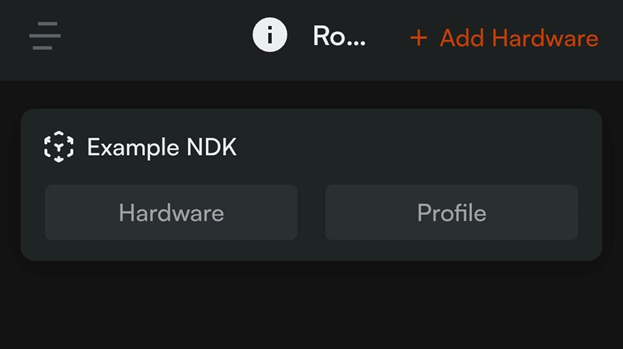
2) Scroll through the list of rooms and tap the Hardware button for your Central Feed System or NDK:
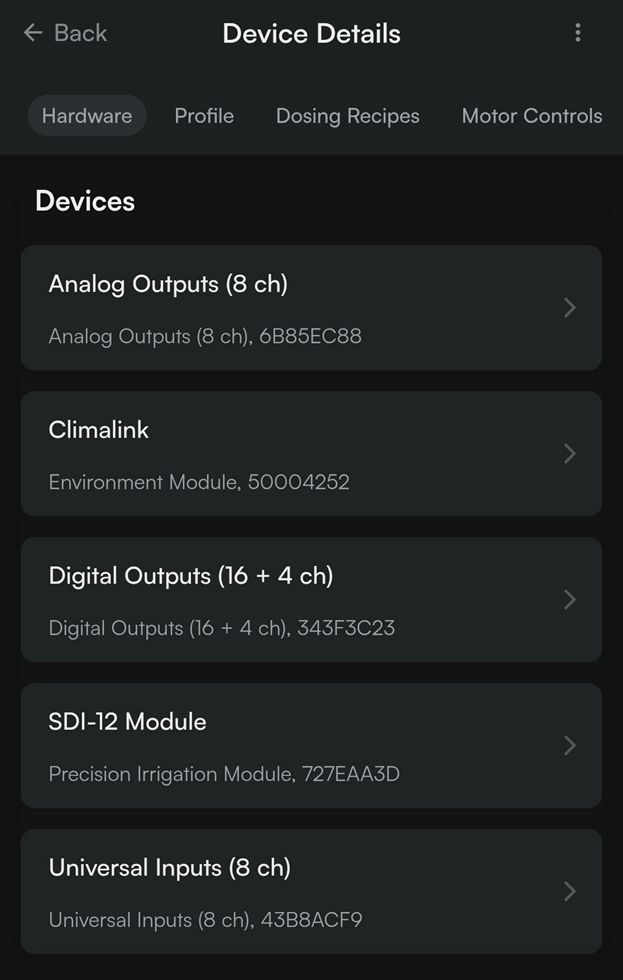
3) At the top of the following page, tap the ‘Dosing Recipes’ tab:
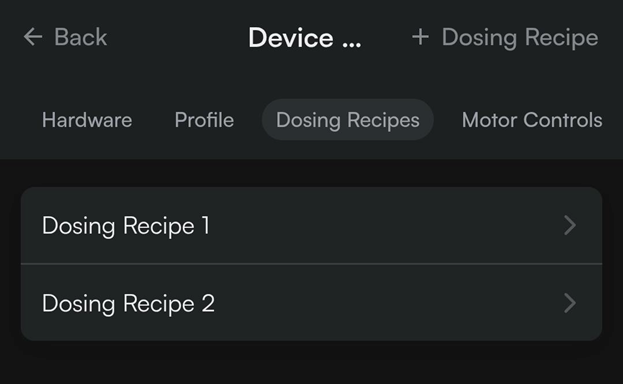
4) This page will list all configured Dosing Recipes. One can manage an existing Dosing Recipe by tapping the recipe name, or tap the ‘+ Dosing Recipe’ button at the top right to create a new Dosing Recipe:
5) Within the Dosing Recipe, one can name the Dosing recipe, enable target pH or target TDS (if applicable), set the scaling ratio for the dosing recipe, and specify the injection volumes for each pump used in that Dosing Recipe:
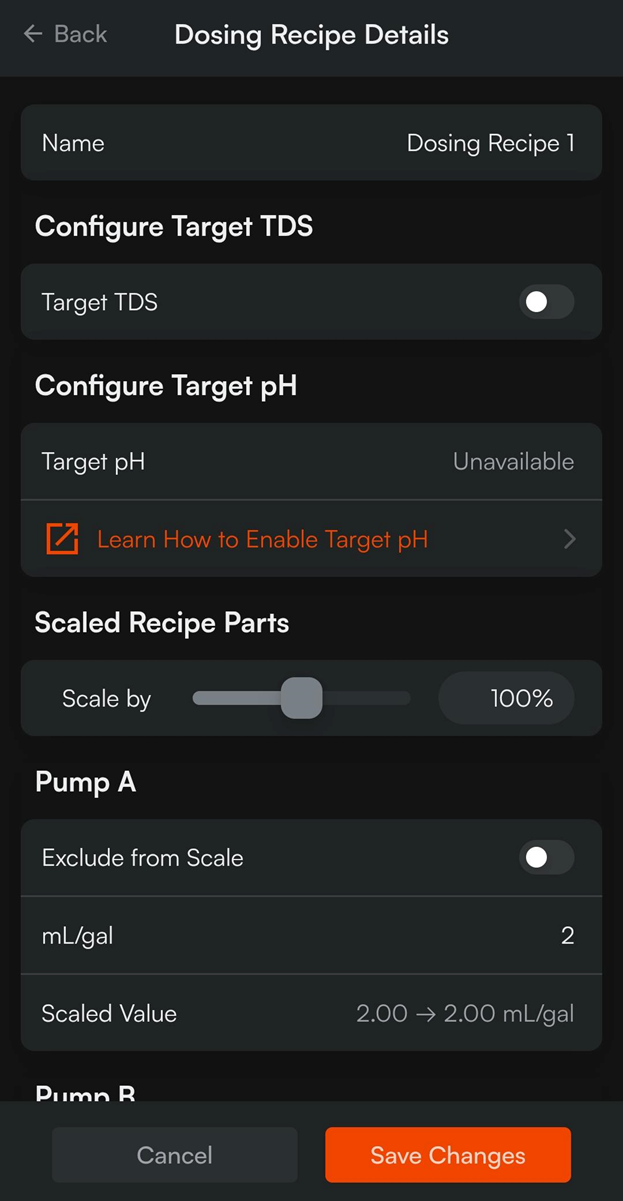
Note: target TDS and target pH should not be enabled when using Reverse Osmosis (RO) water as your base water. These algorithms are utilized to help mitigate variability when using non-RO water sources and is not a suitable replacement for properly dialing in your recipes.
6) Once the desired changes have been made, tap the ‘Save Changes’ button to push the new configuration to your controller: