
Within Mobile App 2.0, one can update the dial positions and associated Max GPH values for HE Anderson pumps on a Central Feed System. The steps below outline the steps one can take to change these values.
Note: It is crucial to match the physical output of the pump with the dial position held in the software for the output that drives the pump. If you have questions on how to calibrate your HE Anderson pumps to ensure the physical dial position matches the expected throughput, refer to the knowledge-base article below:
Updating HE Anderson Pump Dial Positions
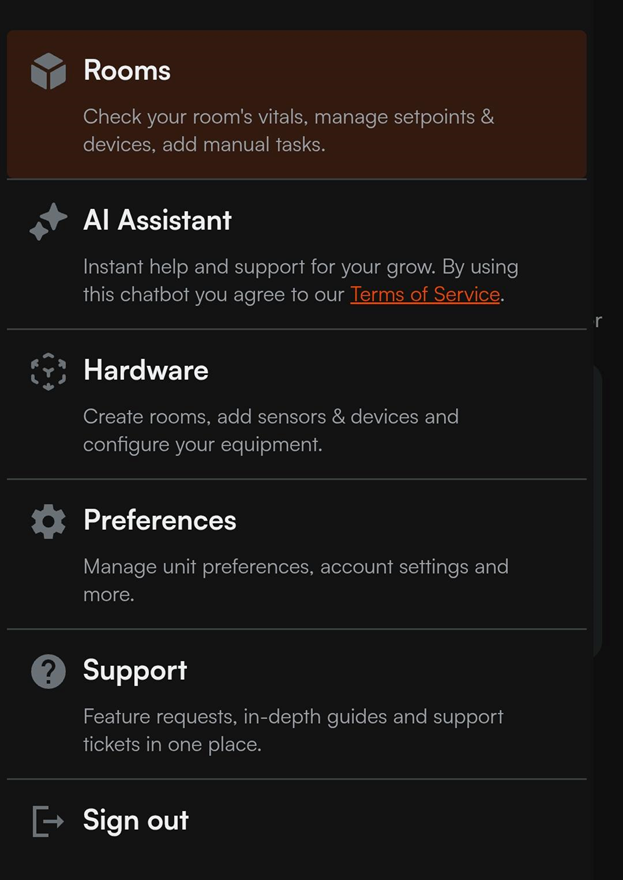
- Login to the Mobile App, tap the icon of three lines in the top left, and select the hardware button in the following menu:
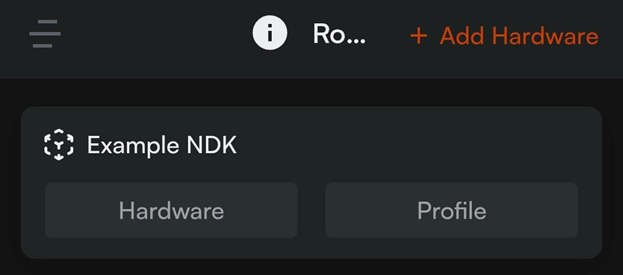
- Within the Hardware Tab, Tap the Hardware button for your Central Feed System:
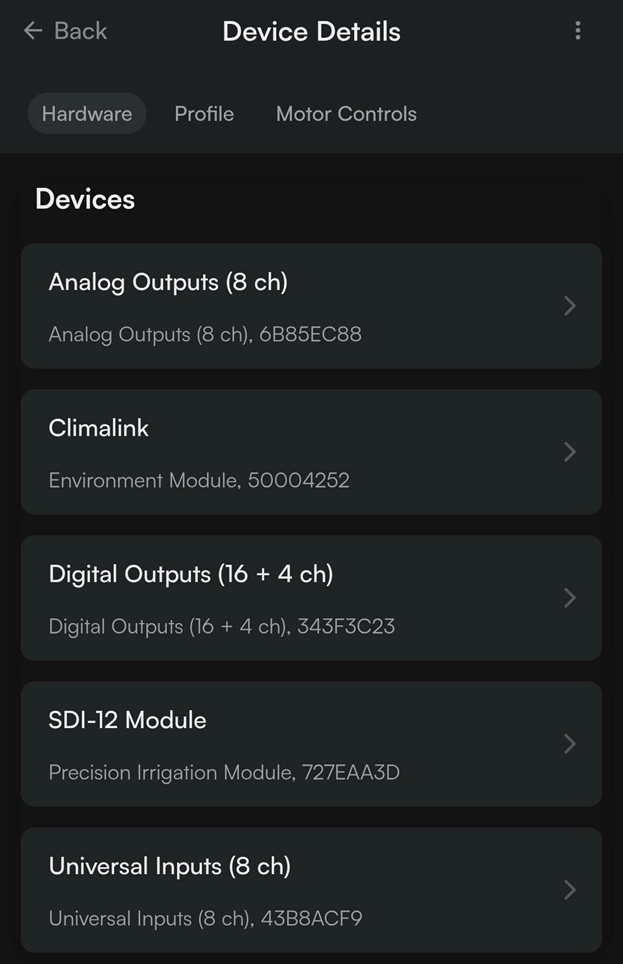
- Within the Hardware Tab, select the module that the pumps are registered to. For older Central Feed Systems, these would be registered to a 16 ch expansion or EC-6. For newer Central Feed Systems, these would be registered to a Triac Output Module or the Digital Outputs on an NDK:
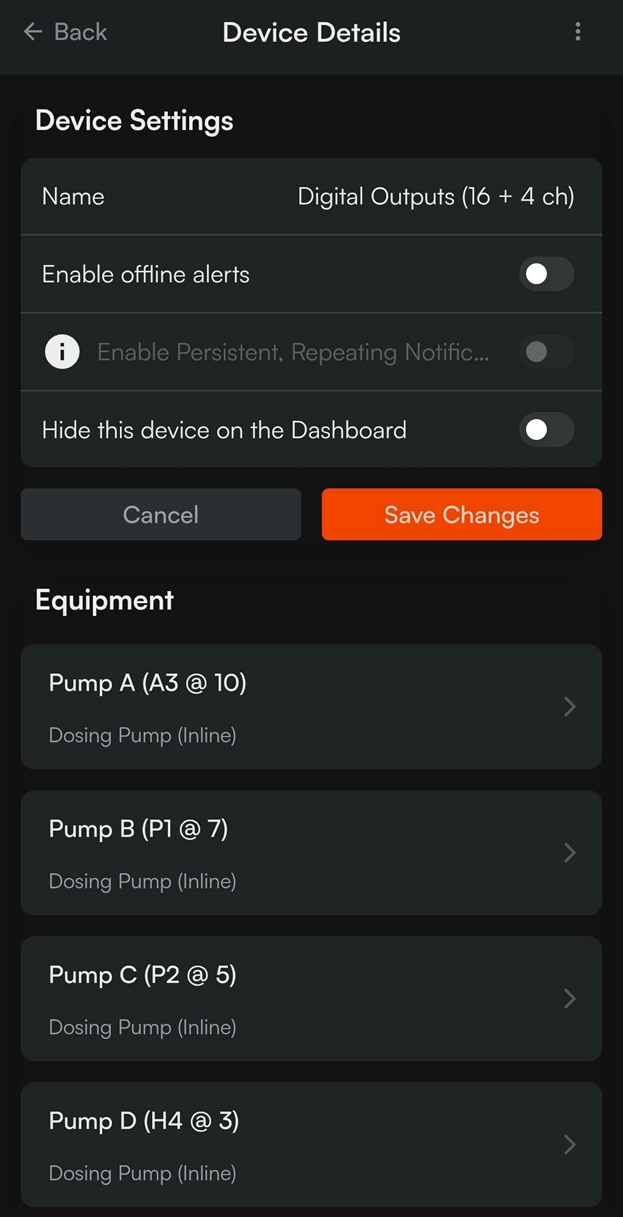
- Select the pump you wish to update:
- Scroll down and tap the Dial Position field:
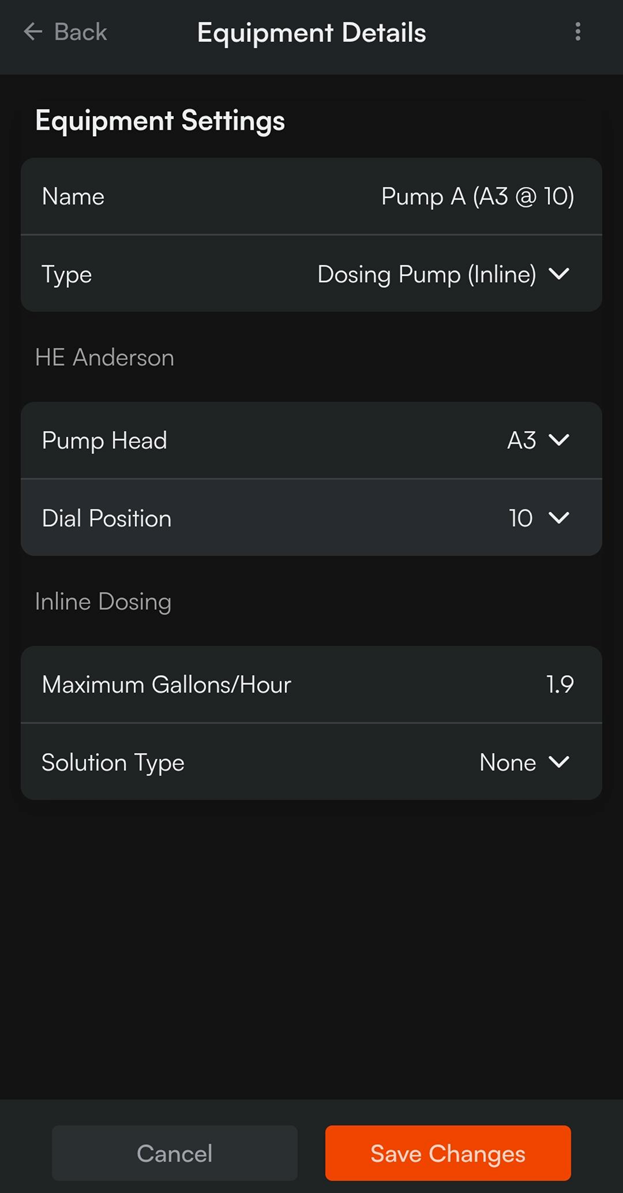
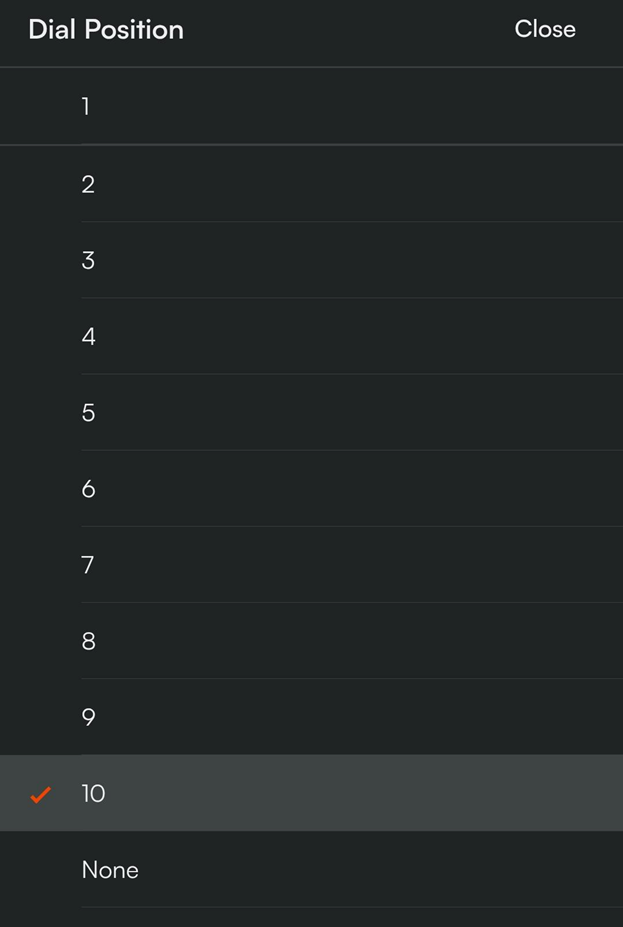
- Update the Dial position field to match the current physical dial position for the HE Anderson pump. The associated Maximum Gallons/Hour value will updated automatically based on the pump head and dial position set.
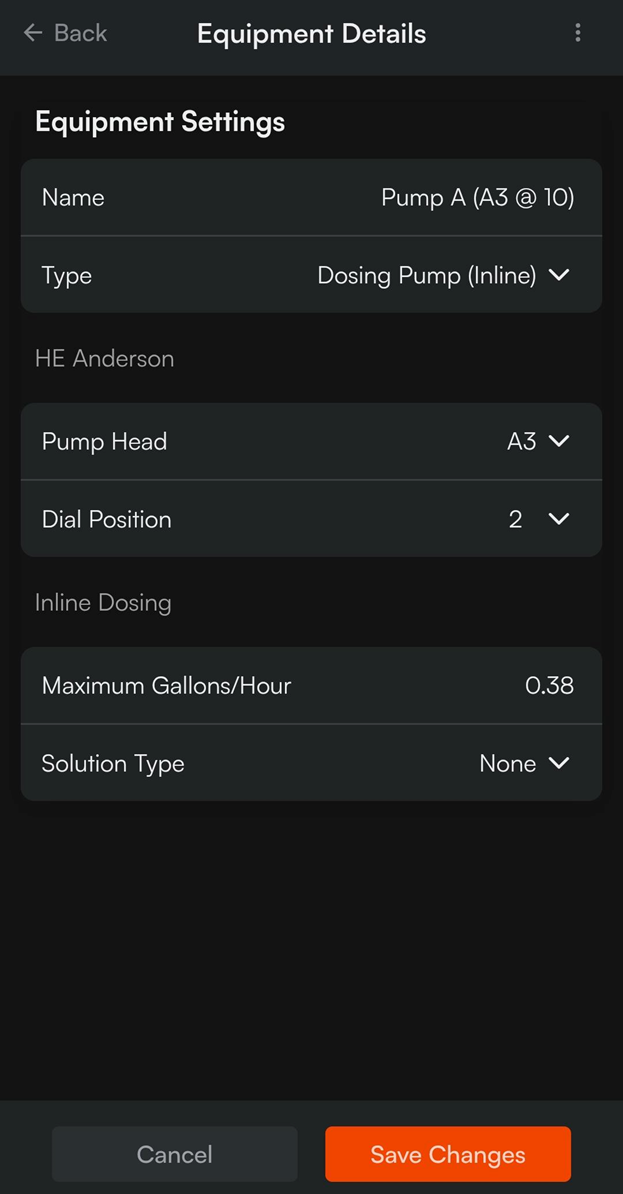
- Tap ‘Save Changes’ to push this updated configuration to the Central Feed System.